

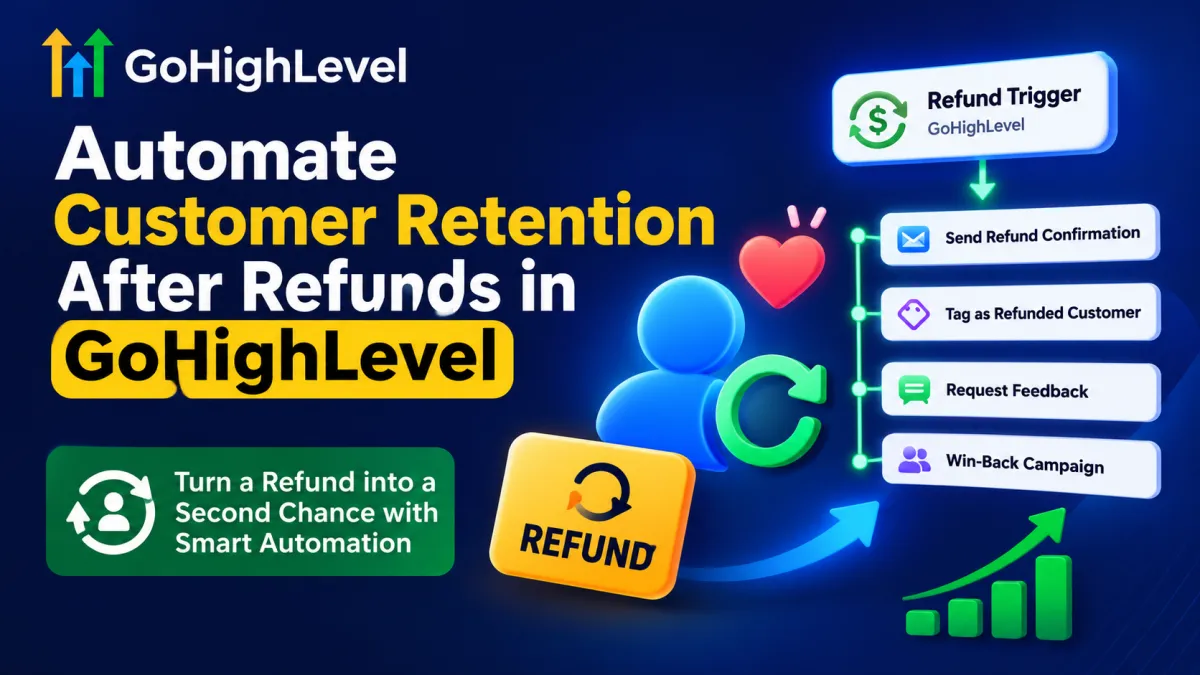
Automate Customer Retention After Refunds in GoHighLevel
 Wispcode Team
Published on: 23/08/2026
Learn how to use the Refund Trigger in GoHighLevel to automate refund follow-ups, tag customers, collect feedback, and launch win-back campaigns to rebuild relationships and improve customer retention.
Refund workflow GoHighLevelAutomated refund follow-upPost-refund customer follow-upCustomer win-back automationRefund customer retentionGoHighLevel workflow automationCustomer re-engagementAutomated customer follow-upRefund follow-up workflowCustomer retention workflow
